Adjustments
An Adjustment corrects the stock quantity when it does not match physical reality — due to damage, loss, miscounting, or data entry error. Because adjustments change stock without a physical movement, they require approval from a second person (manager or admin).
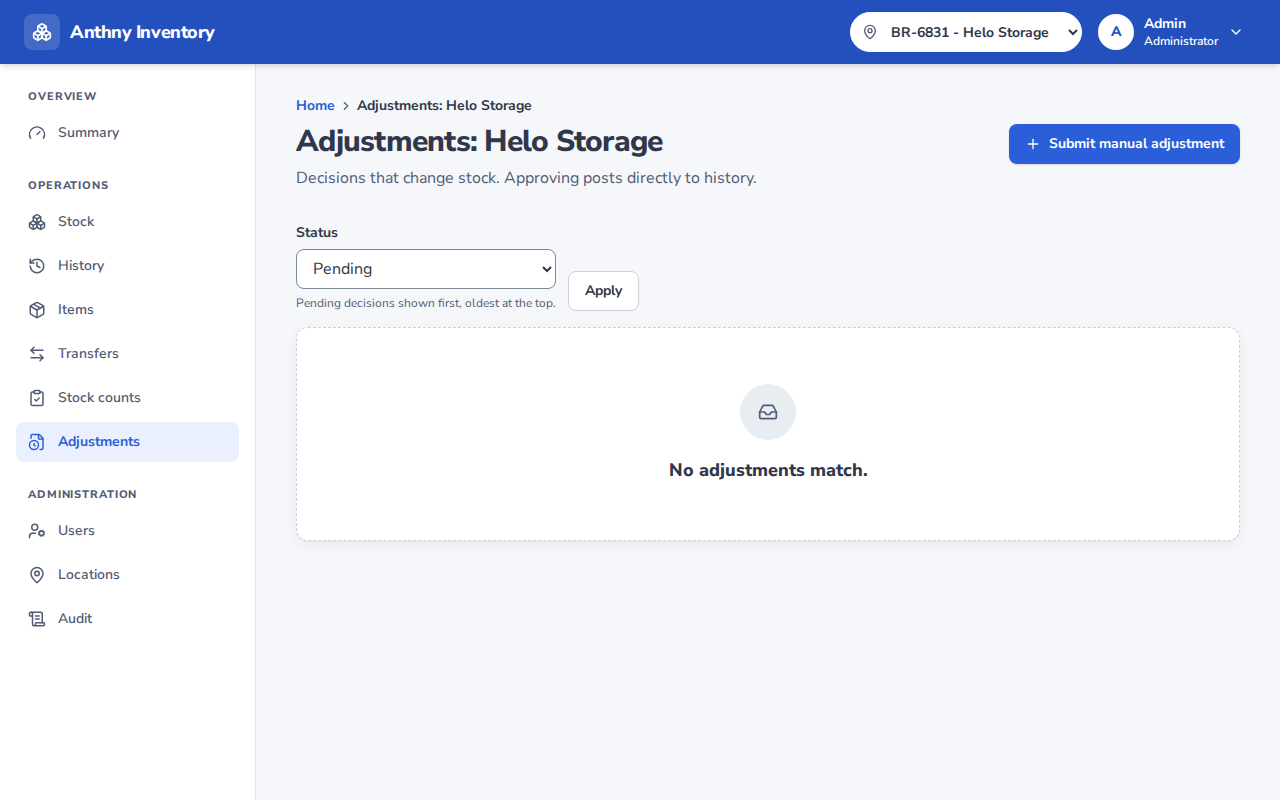
Adjustment statuses
| Status | Description |
|---|---|
| Draft | Created but not yet submitted for approval |
| Pending | Submitted, waiting for a manager or admin to approve or reject |
| Posted | Approved and applied — stock has been updated |
| Rejected | Rejected by a manager or admin — no stock change |
Adjustment flow
Staff creates → [Draft] → Staff submits → [Pending]
                                              ↓
                              Manager/Admin approves → [Posted]
                              Manager/Admin rejects → [Rejected]
Segregation of duties
- The person who creates the adjustment cannot approve it
- This prevents a single person from adjusting their own stock without oversight
Adjustment reasons
| Reason | When to use |
|---|---|
| Damage | Items are broken or unusable |
| Loss | Items cannot be located |
| Found | Items previously thought lost have been found |
| Correction | A data entry error needs to be corrected |
| Other | Any other reason (describe in the note) |