Login
Open your browser and go to your Anthny Inventory URL (e.g. https://inventory.anthnything.com).
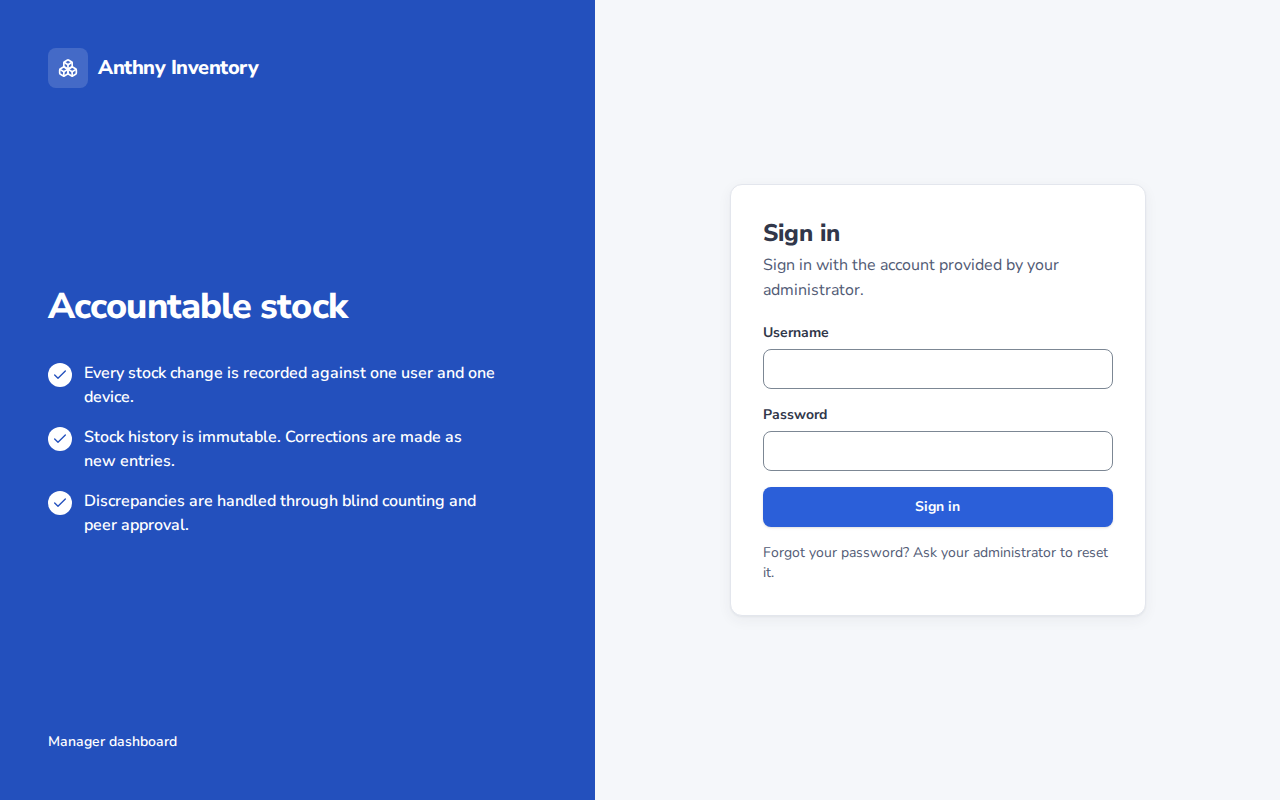
Steps
- Enter your username (provided by your administrator)
- Enter your password
- Click Sign in
:::tip First login If this is your first time logging in, your administrator will give you a temporary password. You will be prompted to change it immediately after logging in. :::
:::caution Too many attempts After several failed login attempts, your account will be temporarily locked. Wait a few minutes and try again, or contact your administrator. :::
Forgot password
Anthny Inventory does not have a self-service password reset. Contact your administrator to have your password reset.
Session
Your session remains active while you use the platform. After a period of inactivity, you will be redirected to the login page automatically.