Navigation
After logging in you will see the main dashboard. The sidebar on the left gives you access to all modules.
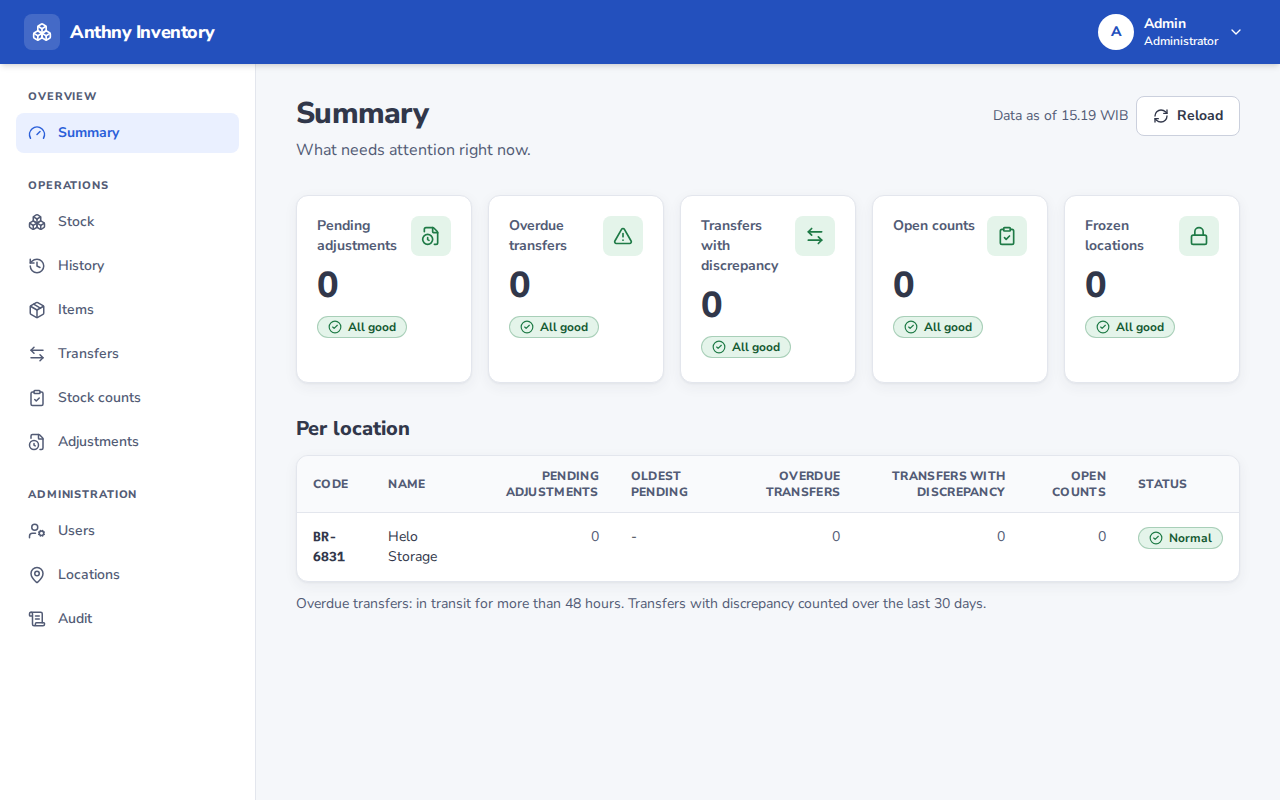
Sidebar menu
| Menu item | Description |
|---|---|
| Stock | View current stock levels at the selected location |
| History | Full ledger of all stock movements |
| Transfers | Move stock between locations |
| Adjustments | Create or review stock adjustment requests |
| Counts | Start or manage stock count sessions |
| Items | Product catalogue (Admin/Manager only) |
| Admin | User and location management (Admin only) |
Location selector
Most pages are scoped to a specific location. Use the location selector at the top of the page (or in the sidebar) to switch between locations you have access to.
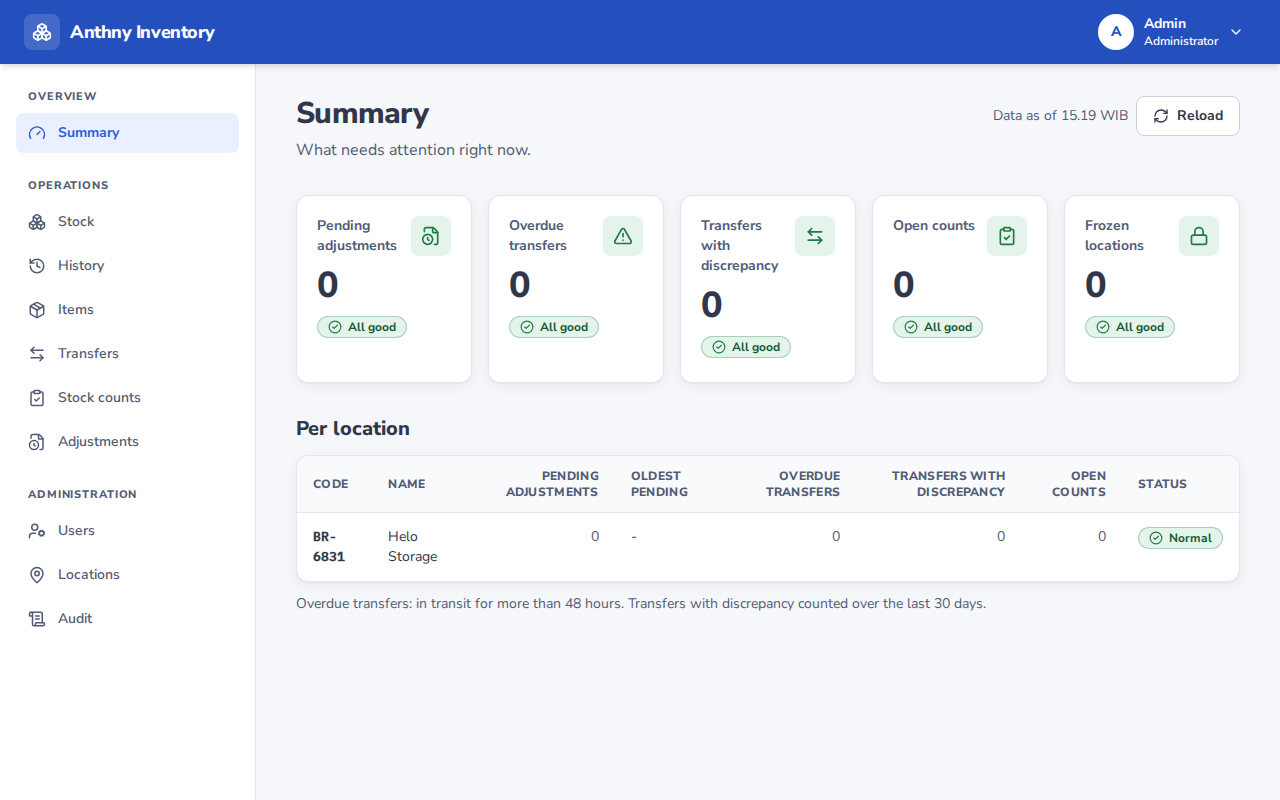
info
You will only see locations that your administrator has assigned to you.
User menu
Click your name or avatar in the top-right corner to:
- View your account settings
- Change your password
- Sign out