History
The History page shows the complete ledger of every stock movement at the selected location — a permanent, uneditable record of everything that has ever happened to your stock.
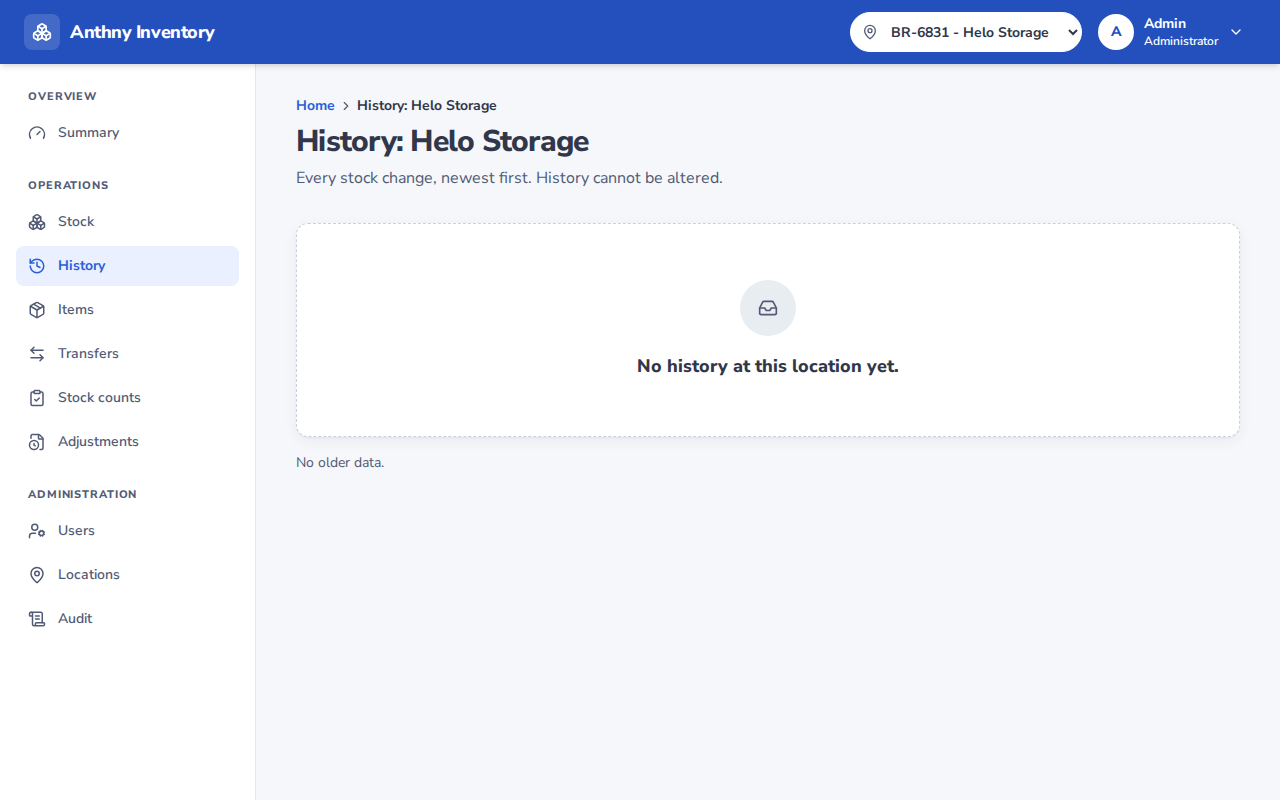
Reading the ledger
Each row represents one movement:
| Column | Description |
|---|---|
| Time | When the movement was recorded |
| # | Ledger entry ID |
| Kind | Type of movement (see below) |
| Item | SKU and name of the item |
| Delta | Change in quantity (+ or −) |
| User | Who recorded the movement |
| Device | Device ID used (mobile app) |
| Mode | Scan or Manual entry |
| Reference | Optional reference number (e.g. invoice) |
Movement kinds
| Kind | Icon | Meaning |
|---|---|---|
| Receive | ↓ | Stock arrived at this location |
| Issue | ↑ | Stock left this location for use |
| Transfer out | ⇄ | Stock sent to another location |
| Transfer in | ⇄ | Stock received from another location |
| Adjustment | ⚙ | Stock corrected via approved adjustment |
Filtering by item
To see the full history for a specific item, click on the item's SKU anywhere in the platform — it will open the History page filtered to that item. Click Reset to clear the filter.
Pagination
The ledger loads the 50 most recent entries. Click Load older at the bottom to go further back in time.
Why is the ledger permanent?
Anthny Inventory uses an append-only ledger — entries can never be deleted or edited. This ensures a complete, tamper-proof audit trail. If a mistake is made, it is corrected by adding a new entry (a reversal or adjustment), not by editing the original.