Stock
The Stock page shows the current quantity on hand for every item at the selected location.
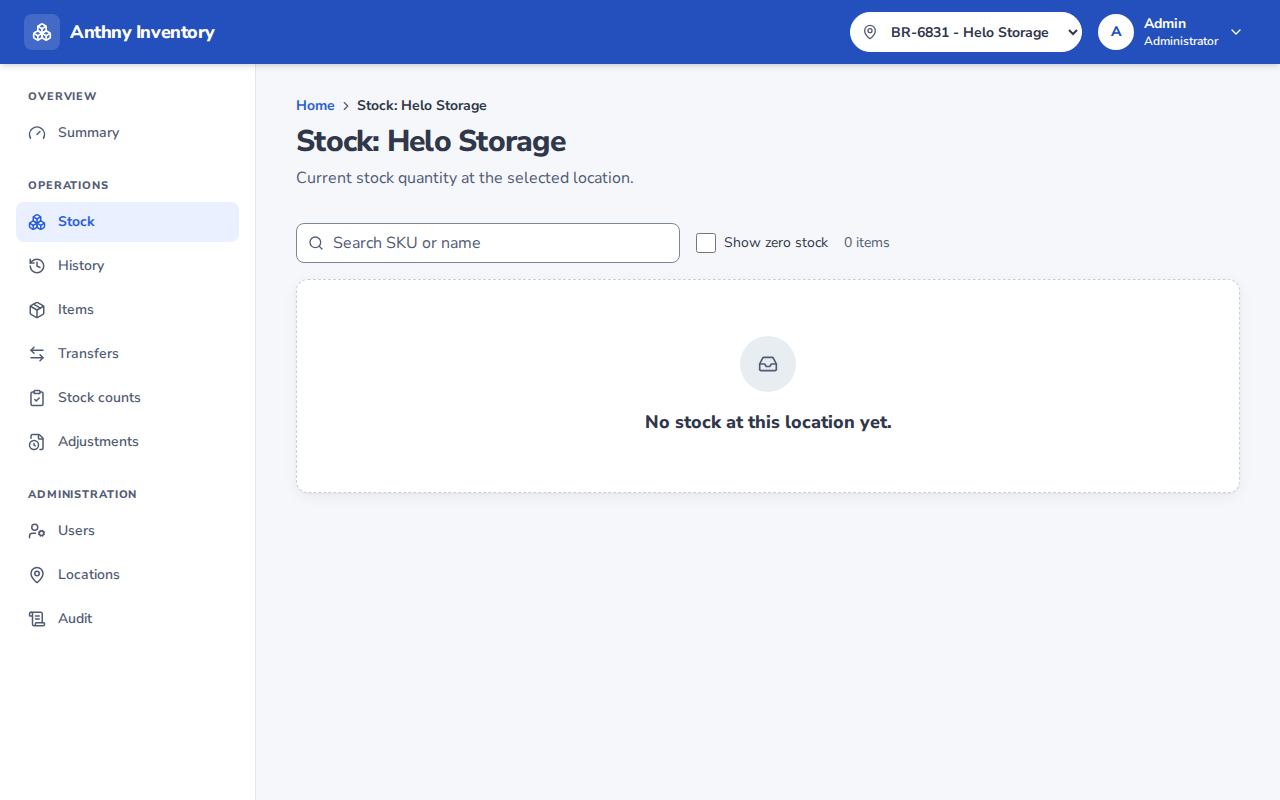
Reading the stock table
| Column | Description |
|---|---|
| SKU | The item's unique code |
| Name | Product name |
| Barcode | Scannable code |
| ABC | Count priority class |
| Quantity | Current quantity on hand at this location |
Quantities are always up to date — the system recalculates from the ledger in real time.
Stock movements
Stock only changes through explicit operations:
| Operation | Effect on stock |
|---|---|
| Receive | Increases stock (+) |
| Issue | Decreases stock (−) |
| Transfer out | Decreases stock at sending location (−) |
| Transfer in | Increases stock at receiving location (+) |
| Adjustment | Increases or decreases stock (requires approval) |
| Count adjustment | Increases or decreases to match physical count |
| Reversal | Undoes a previous receive or issue |
Frozen location
If a location is frozen, no stock movements are allowed until the freeze is lifted. A banner will appear at the top of the page when you are viewing a frozen location.
Locations are frozen automatically during an active stock count session and unfrozen when the session is closed.