Transfers
A Transfer moves stock from one location to another within the system. Unlike an issue, a transfer requires the receiving location to confirm receipt — this two-step process ensures stock is not "lost in transit".
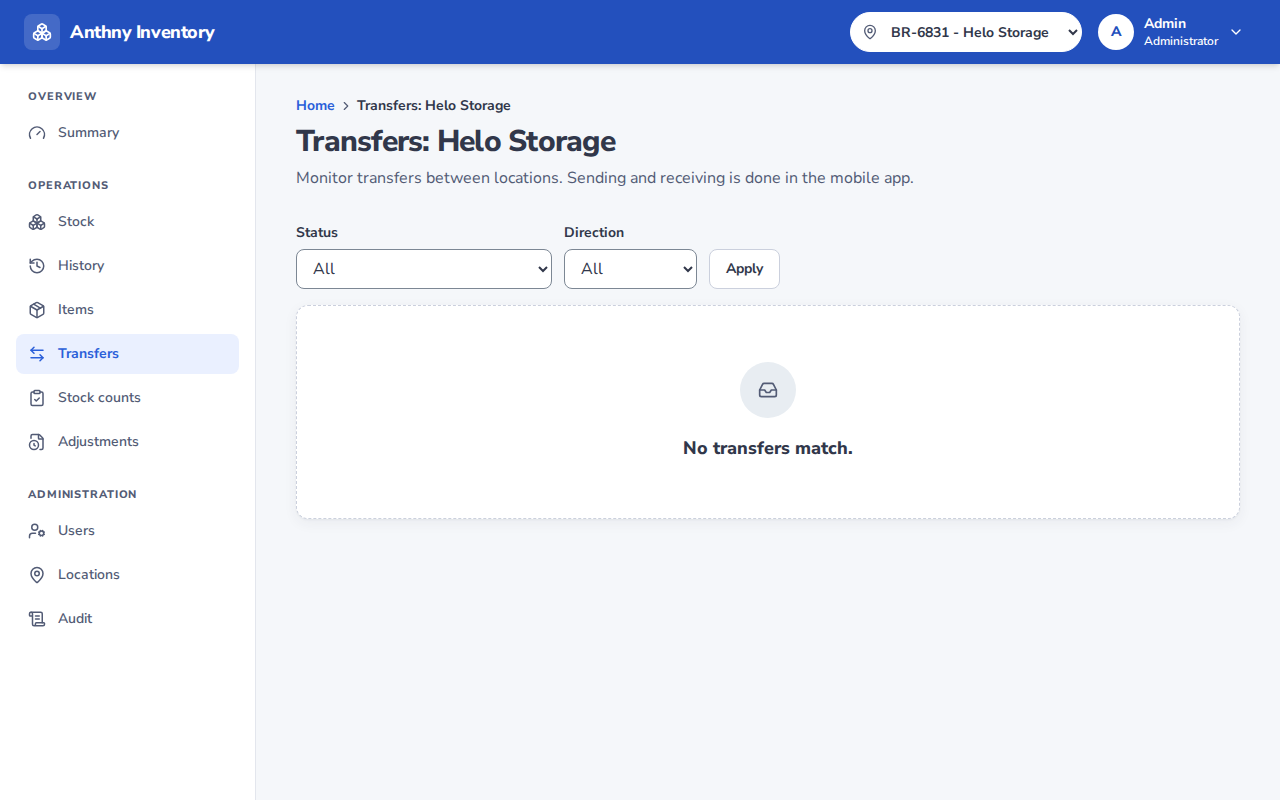
Transfer statuses
| Status | Meaning |
|---|---|
| In transit | Sent, waiting for the receiving location to confirm |
| Completed | Received and confirmed |
| Overdue | Sent more than the expected transit time ago, not yet received |
Two-step process
Sender → [Send]        → Status: In transit
Receiver → [Receive]   → Status: Completed
Stock leaves the sending location immediately when the transfer is sent. It appears at the receiving location only after the receiver confirms.
Who can transfer
Any user (Staff, Manager, Admin) can send and receive transfers, but:
- The sender and receiver should ideally be different people
- If the same person sends and receives, the system allows it but it is not recommended for accountability